Suno v5.5: Customize Your AI Music Experience
Suno has rolled out a significant update with version 5.5 of its AI music-making model. This new version emphasizes user control, introducing features that allow for deeper personalization in music creation.

The latest update includes three main features: Voices, My Taste, and Custom Models. Each of these tools aims to enhance the user’s ability to create unique musical outputs tailored to their preferences.
Voices: Train the AI on Your Voice
The Voices feature is one of the most anticipated additions. It allows users to train the vocal model using their own voice. Users can upload clean acapellas or even sing directly into their devices, making it easier to create personalized tracks.
To ensure security, Suno requires users to speak a verification phrase when training the model. This step helps prevent unauthorized use of someone else’s voice, although it raises questions about potential misuse with existing AI models.
Custom Models: Personalize Your Music Style
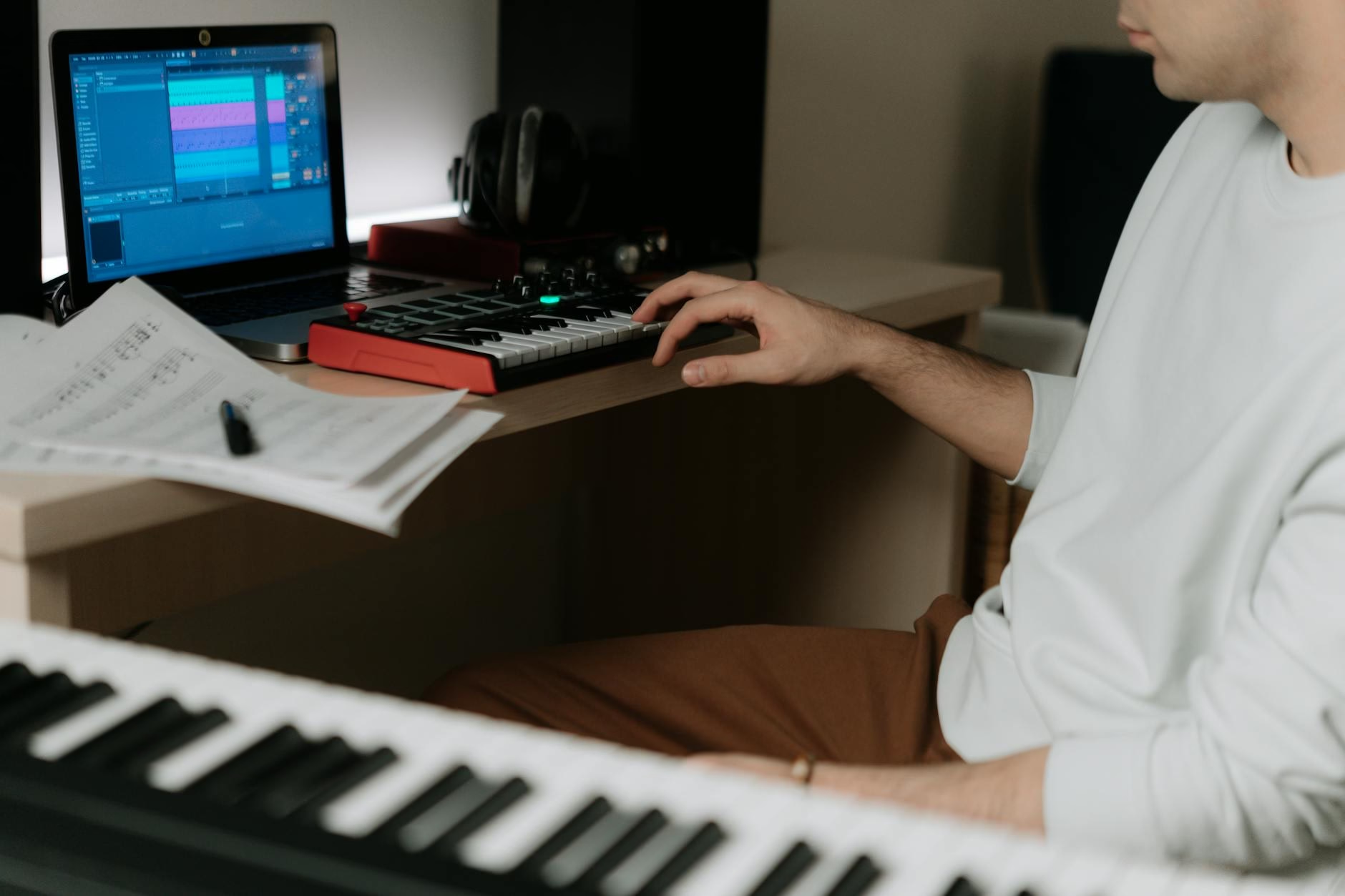
Another exciting feature is Custom Models, which lets users train the AI on their own music catalog. By uploading at least six tracks and naming their custom model, users can guide Suno’s responses based on their unique style.
This feature empowers musicians to create outputs that reflect their artistic identity more closely. It’s a great way for artists to maintain creative control while leveraging AI technology.
My Taste: Learn Your Preferences
The My
Taste feature enhances user experience by learning individual preferences over time. It tracks genres, moods, and artists that users frequently select, applying this knowledge when generating new styles.
This means that as you use Suno more, it becomes better at understanding what you like and producing outputs that resonate with your musical taste.
Key takeaways
- Suno v5.5 introduces major customization options for AI music creation.
- The Voices feature allows users to train the AI on their own voice.
- Custom Models enable personalized guidance based on uploaded tracks.
- My Taste learns user preferences for improved output quality.
- Voices and Custom Models are available only for Pro and Premier subscribers.
This update positions Suno as a powerful tool for musicians looking to integrate AI into their creative process while maintaining personal expression in their work. If you’re an artist or a producer, exploring these new features could significantly enhance your workflow.
For more insights into how technology is shaping creativity, check out our section on AI automation workflows.
FAQ
- What is Suno v5.5? It’s an updated version of an AI music-making model focusing on user customization.
- How does the Voices feature work? Users can train the vocal model using recordings of their own voice or by singing directly into the app.
- Who can access all features? The Voices and Custom Models features are available only for Pro and Premier subscribers.