
Why Windows App Development is Frustrating Right Now
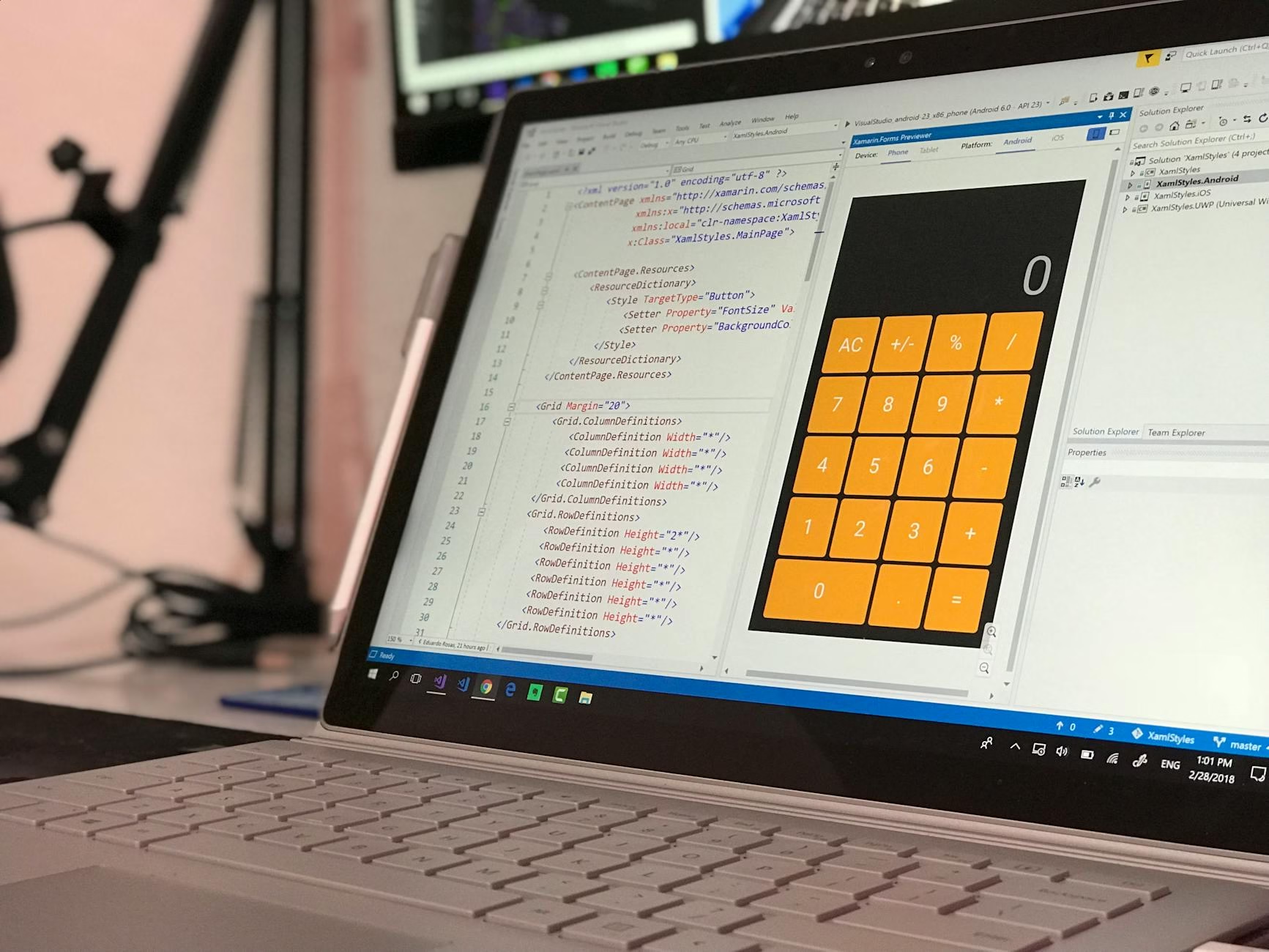
Windows app development has become increasingly frustrating for developers. Many are finding it hard to create native applications due to outdated tools and complex processes. This situation has led many developers to seek alternatives, such as Electron.

One developer recently shared his experience while creating a utility called Display Blackout. This tool helps users black out their extra monitors while gaming. His journey highlights the significant challenges faced by those trying to build modern Windows applications.
Understanding the Current Landscape
The developer’s first challenge was choosing the right framework. He decided to use WinUI 3, part of the Windows App SDK, which offers modern features. However, he quickly realized that many necessary functions still required older APIs.
This reliance on older technologies creates a frustrating experience. Developers often find themselves mixing new and old code, which complicates their projects and slows down progress.
Key Features Needed for Modern Apps
The Display Blackout utility needed several key features: display enumeration, black window placement, global keyboard shortcuts, startup options, persistent settings storage, and a tray icon. Unfortunately, many of these features are not fully supported by WinUI 3.
For example, while it can enumerate displays easily, it struggles with watching for changes without reverting to older APIs. This inconsistency makes it harder for developers to create seamless user experiences.

The Distribution Dilemma
Another major hurdle is distributing apps effectively. The recommended m
ethod is using MSIX packages, but this requires costly code-signing certificates. Many developers find this process cumbersome and expensive.
<pAdditionally, if an app needs modern .NET features not pre-installed on Windows devices, users face installation prompts that disrupt their experience. This situation can lead to frustration and lost users.
Community Response and Alternatives
Due to these ongoing challenges with Microsoft’s tools, many developers are turning to third-party frameworks like Avalonia or Uno Platform. These alternatives often provide better support and more robust features than Microsoft’s offerings.
This shift indicates a growing dissatisfaction with Microsoft’s approach to native app development. Developers want tools that work well together without unnecessary complications.
Key takeaways
- Many developers face significant challenges in Windows app development today.
- The reliance on outdated APIs complicates modern application creation.
- Distribution methods like MSIX can be costly and cumbersome.
- Third-party frameworks are gaining popularity as viable alternatives.
FAQ
- What is WinUI 3? WinUI 3 is a modern UI framework for building Windows applications using the latest technologies.
- Why are developers frustrated with Microsoft’s tools? Developers find that many necessary features require older APIs or complicated distribution methods.
- What alternatives exist for Windows app development? Frameworks like Avalonia and Uno Platform offer better support compared to Microsoft’s offerings.
For the original report, see the source article.