
29 Mar 2026
Google’s New Android App Install Rules (2027): What You Need to Know
By Riazhatvi · Updated 23 Nov 2026
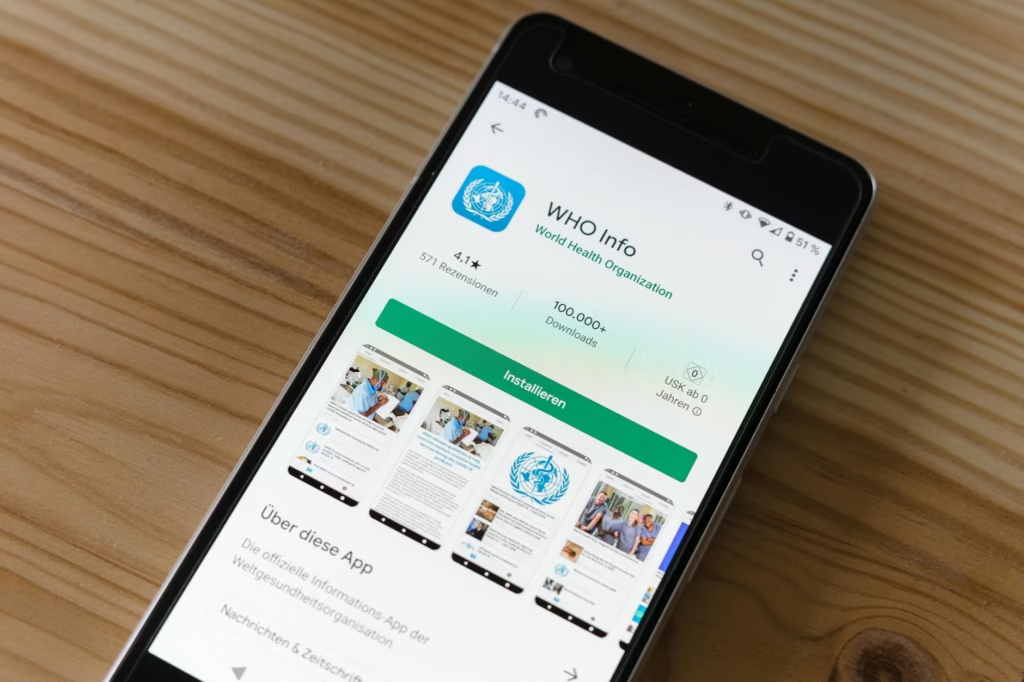
Google is changing the way users install apps on Android devices outside the Play Store. Following an initial rollout in select countries in September 2026, Google has confirmed that mandatory developer verification—and new friction for sideloading unverified apps—will expand globally starting in January 2027.
While standard Google Play Store downloads remain unchanged, installing APK files from unverified developers on certified Android devices (Android 8 and later) will now require a one-time security setup with a 24-hour waiting period.
How Manual App Installation (Sideloading) Will Change
Previously, installing an APK manually only required tapping the file and granting your browser or file manager permission to install from unknown sources.
Under the new system, Google requires app developers to verify their identity and register their app packages. If you try to install an app from an unregistered developer, Android will block the installation by default until you complete Google’s new “Advanced Flow”:
Enable Developer Options on your Android device.
Navigate to the setting for Apps from unverified developers and toggle it on.
Confirm the security warnings and restart your phone.
Wait through a mandatory 24-hour cooling-off period.
Once 24 hours have passed, return to Developer Options and authenticate with your PIN or biometrics to unlock sideloading—either temporarily for 7 days or indefinitely.
What This Means for Users & Power Users
Google designed the 24-hour delay to stop phone scammers from pressuring victims into installing malicious apps during live calls. For everyday users who stick to the Play Store or major verified stores (like Samsung Galaxy Store, Xiaomi, Oppo, and Vivo), nothing changes.
For power users, open-source fans, and developers, Google kept two key workarounds open:
Indefinite Unlock: After completing the 24-hour wait once on your device, you can choose to keep unverified installs enabled permanently so you never have to repeat the wait on that phone.
Instant ADB Installs: Installing APKs via Android Debug Bridge (ADB) from a computer bypasses the 24-hour waiting period completely.
Key Takeaways
Global Rollout: Starts in January 2027 across certified Android devices (Android 8+).
24-Hour Security Delay: Required once when enabling unverified app installs via Developer Options.
Flexible Unlock Options: After the 24-hour wait, choose between a 7-day temporary pass or permanent sideloading access.
ADB Remains Instant: Power users can still install any APK immediately using ADB commands.
Frequently Asked Questions
What is sideloading? Sideloading means installing Android apps (APK files) from websites, forums, or third-party platforms outside of official app stores like Google Play.
Will I have to wait 24 hours for every single APK? No. Once you complete the 24-hour wait in Developer Options, you can select the option to allow unverified installs indefinitely on that device.
Does this affect F-Droid or open-source apps? Open-source developers can register their apps with Google for free (including via limited distribution accounts for students and hobbyists). If an open-source app remains unregistered, you can still install it using the Advanced Flow or ADB.
Can I still use ADB commands without waiting? Yes, ADB installations remain completely unaffected by the 24-hour delay.
Under the new system, when you try to install an app from an unknown source, you will face a 24-hour delay. This means you cannot immediately use the app after downloading it. However, there is good news: once you go through this process, you can opt out of future delays on that device.