
5 CRM Follow Up Automation Mistakes to Avoid
In today’s competitive landscape, effective CRM follow up automation can significantly enhance your client engagement. However, many businesses fall into common pitfalls that hinder their success. This guide will help you identify and avoid these mistakes.

Example workflow
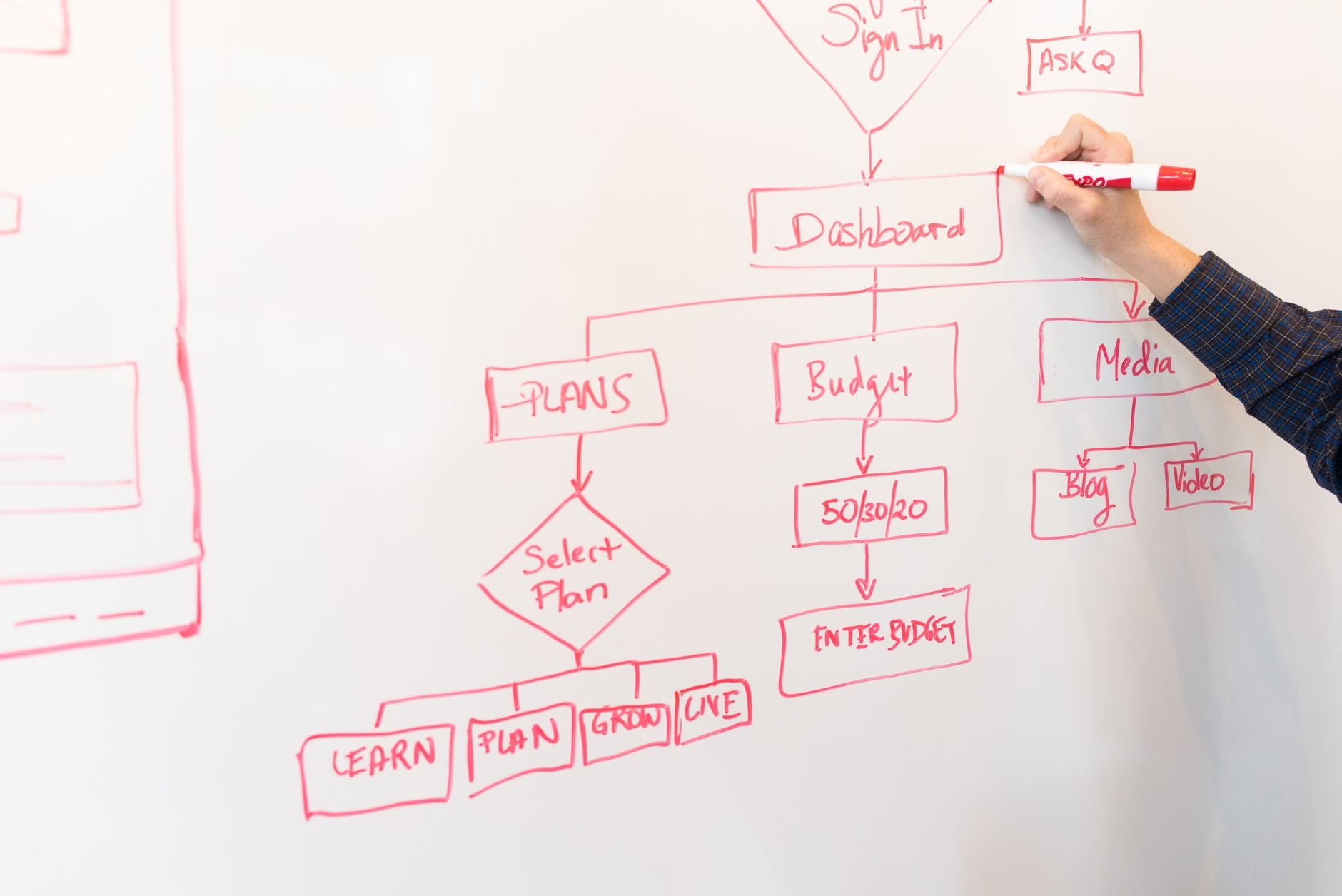
To create an effective CRM follow up automation, start by mapping out your customer journey. Here’s a simple workflow:
- Step 1: Identify key touchpoints in your customer journey.
- Step 2: Set triggers based on customer actions (e.g., form submissions).
- Step 3: Automate personalized follow-up emails using your CRM system.
- Step 4: Monitor responses and adjust your strategy accordingly.
Common mistakes to avoid
- Lack of personalization: Sending generic messages can disengage clients. Always tailor your communications based on customer data.
- Poor timing: Automating follow-ups too soon or too late can lead to missed opportunities. Test different timings for optimal results.
- No tracking or analytics: Failing to track the performance of your automated messages means you miss insights that could improve future campaigns.
- Ineffective segmentation: Not segmenting your audience leads to irrelevant messaging. Use data to categorize clients effectively.
- Narrow focus on sales: Automation should also nurture relationships, not just drive sales. Include value-driven content in your follow-ups.
Implementation checklist
- Create a clear understanding of your target audience.<
/li> - Select a CRM tool that supports robust automation features.
- Design personalized templates for different segments of clients.
- A/B test various messages and timings for effectiveness.
- Set KPIs to measure the success of your automated workflows.
Who should use this workflow?
This workflow is ideal for small business owners, agencies, real estate teams, and eCommerce businesses looking to enhance their client communication through effective CRM follow up automation. If you manage multiple clients or leads, this approach can streamline processes and improve engagement rates significantly.
Key takeaways
- Avoid generic messaging; personalize every communication.
- The timing of automated messages is crucial; test for best results.
- Your analytics should guide adjustments in strategy over time.
- Simplify segmentation based on customer behavior and preferences.
- Nurture relationships beyond just sales pitches in follow-ups.
What is CRM follow up automation?
This refers to using software tools to automate the process of following up with clients after initial contact or interactions, ensuring timely responses without manual effort.
How can I personalize my automated messages?
You can personalize by using customer names, referencing past interactions, and tailoring content based on their preferences or behaviors tracked in your CRM system.
If I make a mistake in my automated message, what should I do?
If you notice an error after sending an automated message, promptly send a correction email with an apology and the correct information. Transparency helps maintain trust with clients.
For the original report, see the source article.