
HandyMKV: The Essential Tool for Ripping and Encoding

HandyMKV is a powerful tool that automates the process of ripping discs and encoding video files. By combining MakeMKV and HandBrake, it streamlines what can often be a tedious task. This productivity tool is designed to save time and reduce errors, making it an essential resource for anyone looking to manage their media library efficiently.
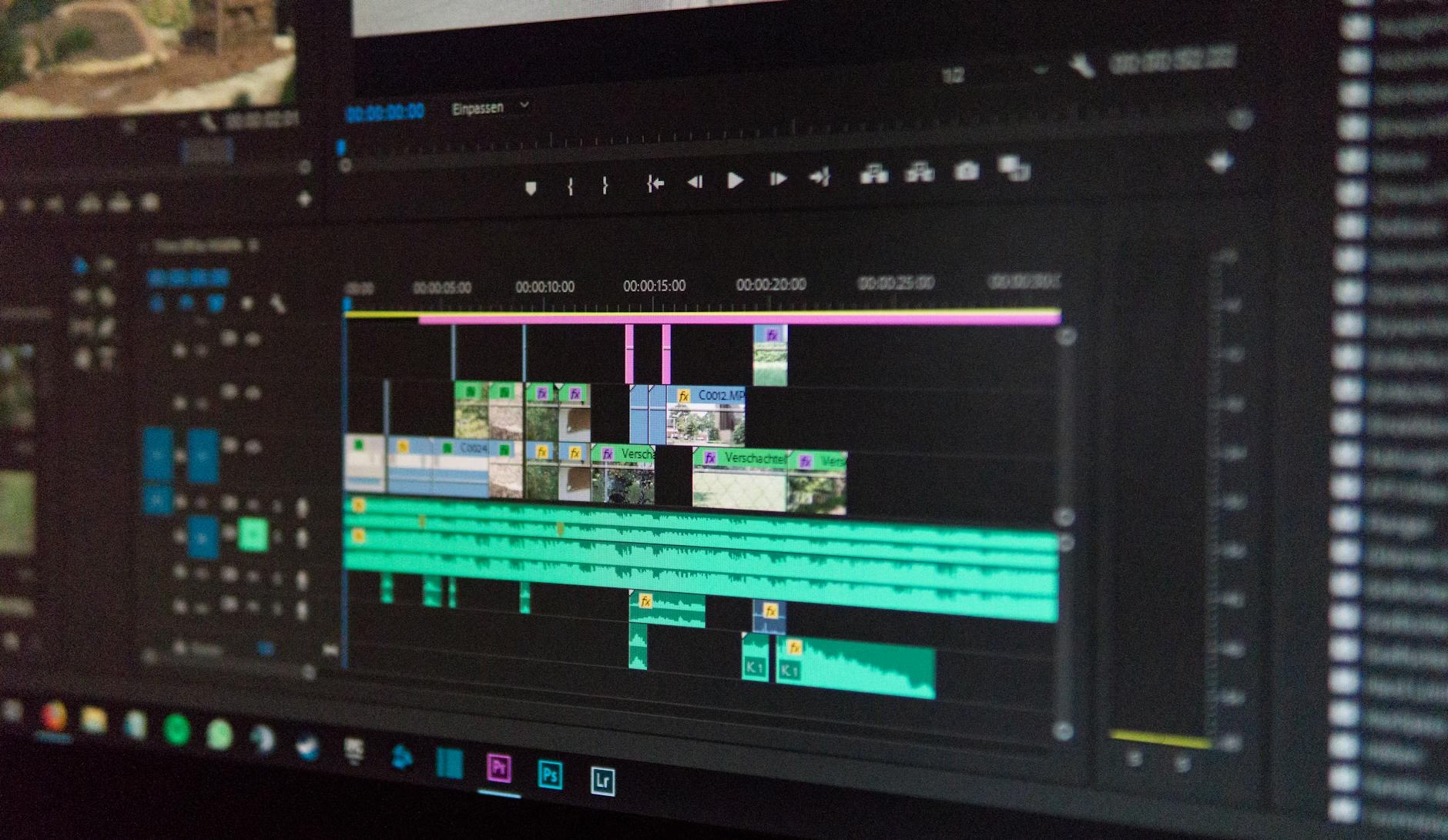
The creator of HandyMKV found the traditional methods of ripping and encoding to be cumbersome. Manual processes often led to mistakes or wasted time. With HandyMKV, users can automate these tasks, allowing them to focus on enjoying their media rather than managing it.
Key takeaways
- Automates disc ripping using MakeMKV.
- Encodes videos with HandBrake for efficiency.
- User-friendly setup with flexible configuration options.
- Tracks run history for easy management.
- Supports multiple operating systems including Windows, macOS, and Linux.
One of the standout features of HandyMKV is its ability to run multiple processes concurrently. This means that while one title is being ripped from a disc, another can be encoded simultaneously. As a result, users experience significantly reduced processing times. This feature is particularly beneficial for those who frequently work with large libraries or multiple discs.

The setup process is straightforward. Users begin by creating a configuration file through an interactive wizard. This file allows them to choose which titles to rip and how they want those titles encoded. Once set up, the entire process can be executed with just one command, simplifying what was once a multi-step ordeal into a single action.
Flexibility in Encoding Options
HandyMKV offers various ways to configure encoding settings. Users can opt
for simplified options tailored for common use cases or select specific presets from HandBrake if they prefer more control. Additionally, advanced users have the option to create custom presets that suit their unique needs.
Run History Management
Another useful feature is the run history management system. After each operation, HandyMKV generates a manifest file that records details about what was ripped and encoded. Users can review this history at any time to track their progress or troubleshoot issues.
Conclusion
In summary, HandyMKV stands out as an essential productivity tool for anyone looking to simplify their media management tasks. By automating the disc ripping and encoding processes with MakeMKV and HandBrake integration, it saves time while providing flexibility in configurations. Whether you’re managing personal collections or working on larger projects, this tool makes handling video files easier than ever before.
If you’re interested in enhancing your media workflow further or exploring similar tools, check out AI automation workflows. For more information about our platform and offerings, visit About Riaz Hatvi.
If you want more details about HandyMKV’s features or installation instructions, visit NorthNeural.