
How to Create FREE Ghibli Style Images Using ChatGPT AI
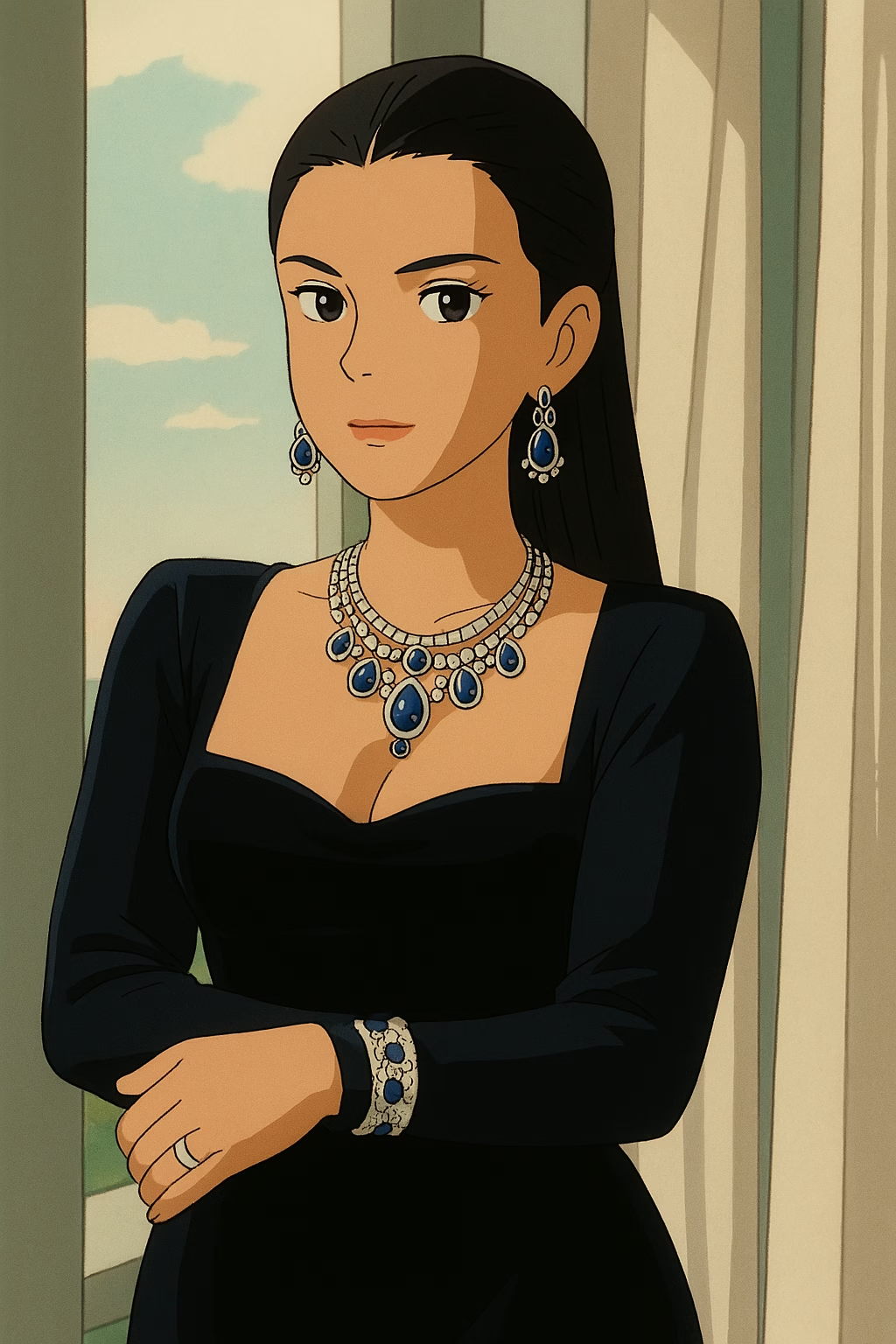
How to Create FREE Ghibli Style Images Using ChatGPT AI
Have you ever dreamed of crafting enchanting artwork inspired by Studio Ghibli’s magical worlds? With ChatGPT AI, you can now create Ghibli style images for free, no artistic skills required! Whether you want to transform your photos into whimsical Ghibli-style scenes or generate entirely new masterpieces, this guide will walk you through the process step-by-step. Get ready to unleash your creativity and bring a touch of anime magic to life with AI.
What Makes Studio Ghibli’s Style So Special?
Studio Ghibli, the legendary Japanese animation studio, is famous for films like Spirited Away, My Neighbor Totoro, and Howl’s Moving Castle. Its signature style features:
- Vivid Colors: Bright yet soft hues that evoke emotion.
- Intricate Details: Lush forests, cozy villages, and fantastical creatures.
- Whimsical Charm: A blend of realism and fantasy that feels timeless.
This unique aesthetic has captivated fans worldwide, and now, with ChatGPT AI, you can recreate it effortlessly.
ChatGPT: Your Free AI Art Tool
ChatGPT, created by OpenAI, is best known as a conversational AI. However, its latest GPT-4o model doubles as a powerful image generation tool. By uploading a photo or typing a creative prompt, you can create Ghibli style images using ChatGPT AI without spending a dime. It’s fast, accessible, and perfect for beginners and pros alike.
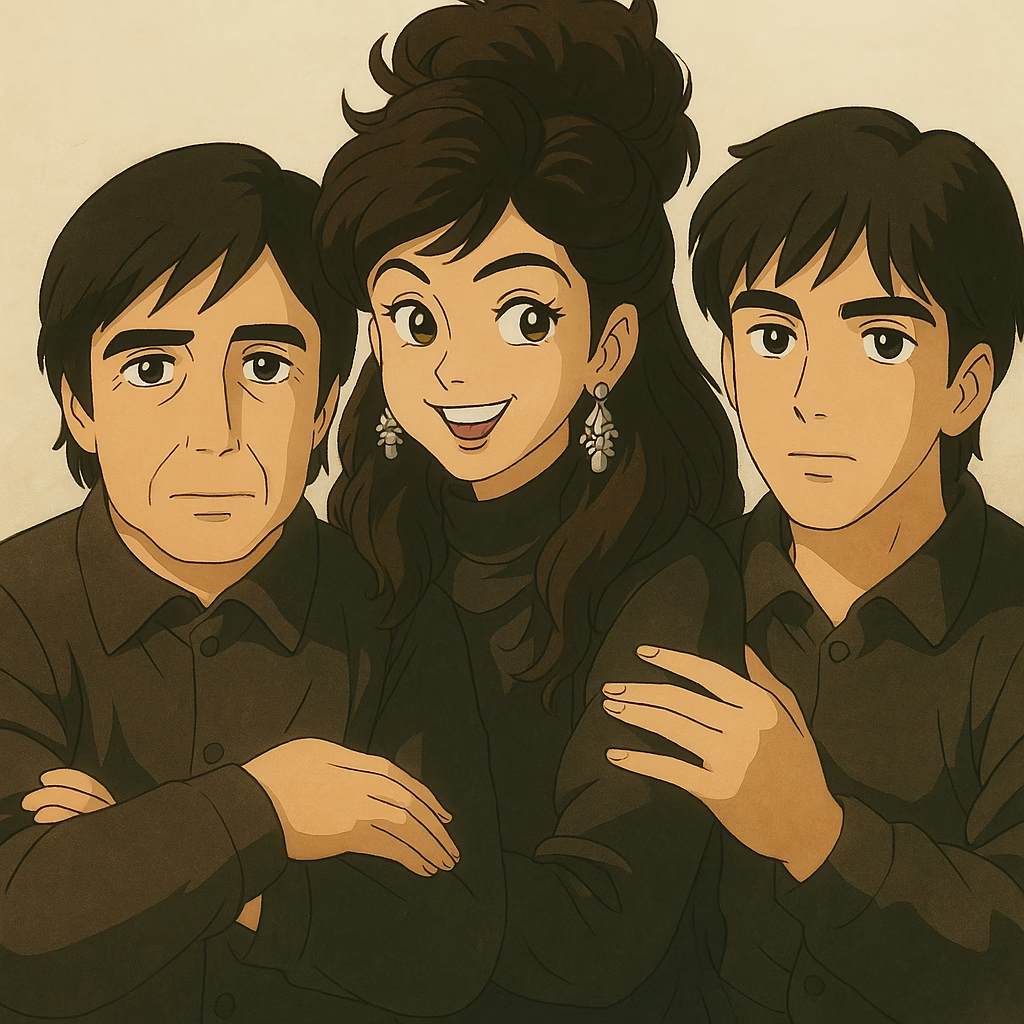
Getting Started with ChatGPT
Before you begin, here’s how to set up ChatGPT for image creation:
- Go to ChatGPT: Visit chat.openai.com or use the mobile app.
- Sign Up/Log In: Create a free account or log in with your existing one.
- Switch to GPT-4o: Select the GPT-4o model from the dropdown menu—this version supports image generation.
Pro Tip: The free tier offers limited image generation daily, while a paid plan unlocks unlimited creations. This guide focuses on the free method.
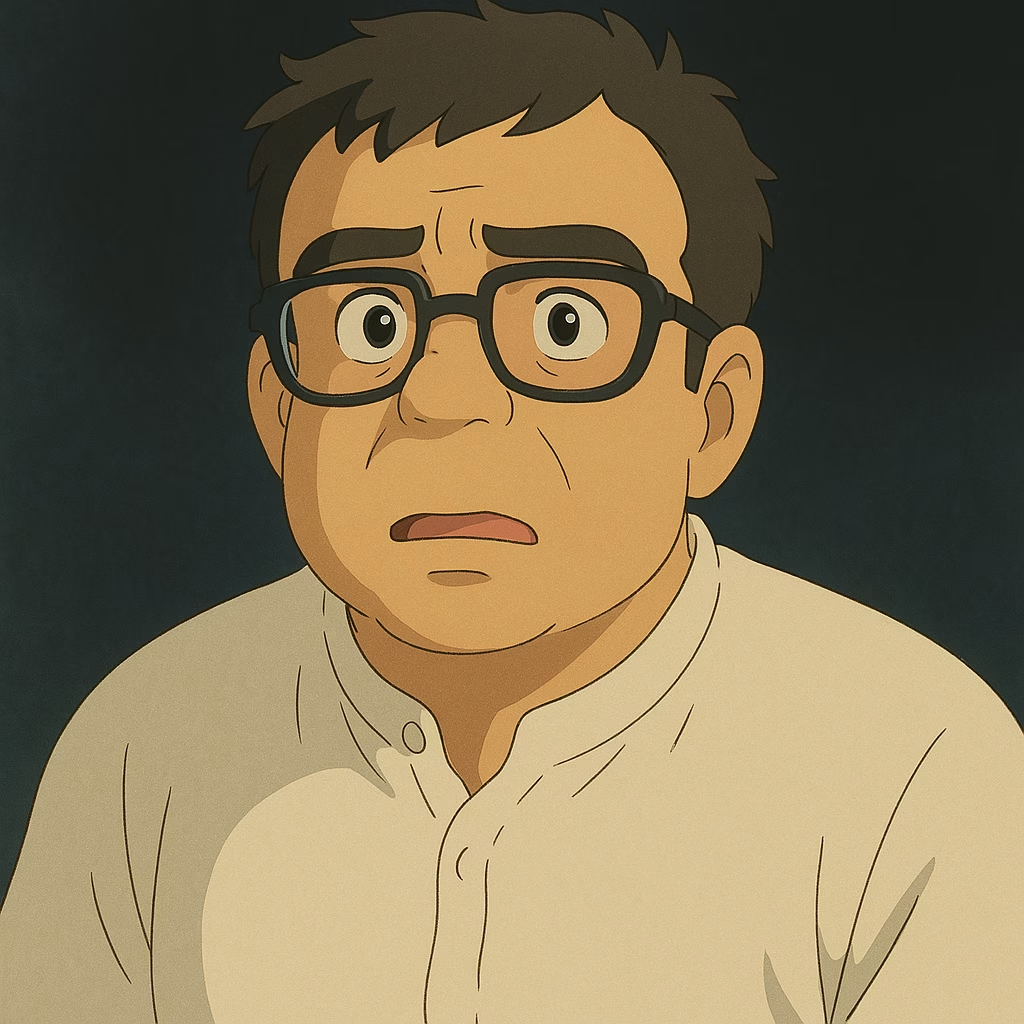
Step-by-Step: How to Create Ghibli Style Images Using ChatGPT AI
Ready to start? Follow these easy steps to create Ghibli style images using ChatGPT AI:
1. Log In and Access GPT-4o
Open ChatGPT and ensure you’re on the GPT-4o model.
2. Choose Your Input
- Transform a Photo: Click the upload button to add an image (e.g., a selfie, pet, or landscape).
- Generate from Scratch: Skip the upload and use a text prompt instead.
3. Write a Ghibli-Inspired Prompt
- For Photos: “Turn this image into a Studio Ghibli-style scene with vibrant colors, soft lighting, and whimsical details.”
- For New Images: “Create a Ghibli-style forest with a fluffy creature, cherry blossoms, and a glowing sunset.”
4. Generate Your Artwork
Submit your prompt and wait about 30-60 seconds for the AI to process it.
5. Save or Tweak
Love the result? Right-click to download. Need changes? Refine your prompt (e.g., add “hand-drawn style”) and try again.
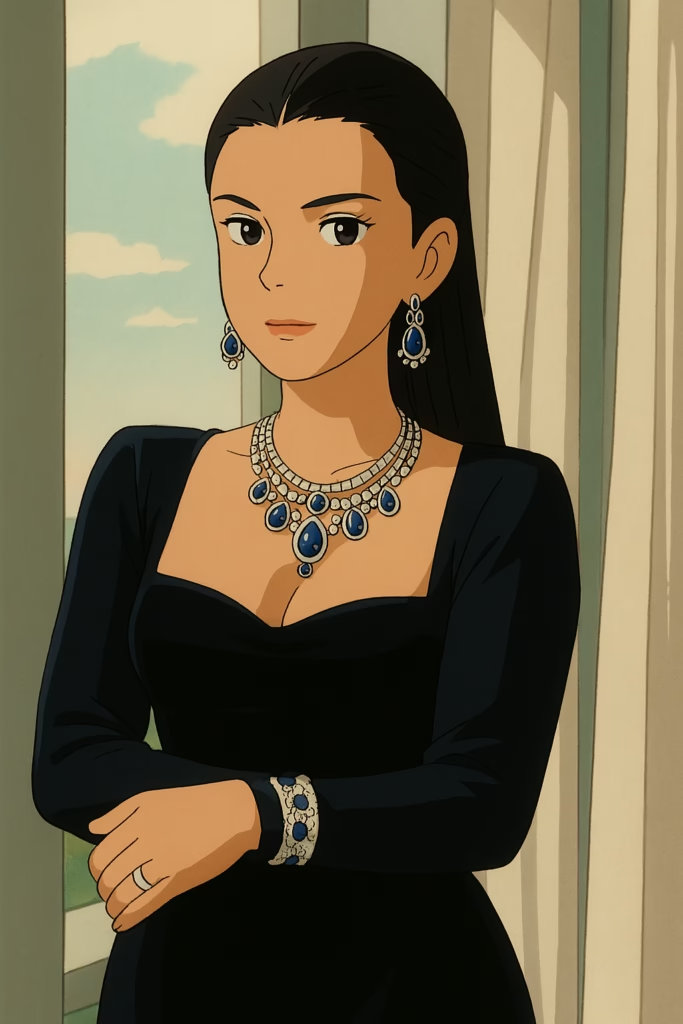
Expert Tips for Stunning Ghibli-Style Images
To elevate your creations, use these proven tricks:
- Be Descriptive: Add specifics like “pastel skies,” “wooden bridges,” or “Totoro-like characters.”
- Mention Ghibli Films: Reference movies like “Princess Mononoke” for forest vibes or “Kiki’s Delivery Service” for quaint towns.
- Test Variations: Experiment with words like “magical,” “serene,” or “animated” to perfect the style.
With a little practice, you’ll master how to create Ghibli style images using ChatGPT AI that rival Studio Ghibli’s charm.
Real Examples to Inspire You
Here’s what you might create:
- Photo Transformation: Upload a picture of a lake, prompt “Transform this lake into a Studio Ghibli-style scene with lily pads and a flying spirit,” and get a serene, animated waterscape.
- New Artwork: Type “A Ghibli-style village with windmills and a playful fox,” and watch a picturesque anime scene come to life.
(Images would be inserted here with alt text like “Ghibli-style lake image created with ChatGPT AI.”)
Watch It in Action: Video Tutorial
Prefer a visual guide? Check out our YouTube tutorial below, showing exactly how to create Ghibli style images using ChatGPT AI: <iframe width=”560″ height=”315″ src=”https://www.youtube.com/embed/SVPkPpn7Mtk” title=”How to Create FREE Ghibli Style Images Using ChatGPT AI” frameborder=”0″ allow=”accelerometer; autoplay; clipboard-write; encrypted-media; gyroscope; picture-in-picture” allowfullscreen></iframe>
(Replace the video ID with your own if available!)
Why Use ChatGPT for Ghibli Art?
- It’s Free: No expensive software or subscriptions needed.
- User-Friendly: Simple prompts deliver impressive results.
- Endless Creativity: From photos to fantasy scenes, the possibilities are infinite.
This makes ChatGPT a game-changer for anyone wanting to create Ghibli style images without breaking the bank.
Conclusion
With ChatGPT AI, you can create Ghibli style images for free and bring Studio Ghibli’s enchanting world to your fingertips. Whether you’re reimagining your photos or dreaming up new scenes, this AI tool makes it fun and easy. Try it today, and share your creations with us using #RiazHatviGhibliArt—we’d love to see your masterpieces!
Frequently Asked Questions (FAQ)
Q: Is ChatGPT really free for Ghibli-style images?
A: Yes! The free tier includes limited image generation, ideal for testing this guide. Upgrade for more.
Q: Can I sell these AI images?
A: Check OpenAI’s terms here for commercial use rules, as restrictions may apply.
Q: How do I get better Ghibli results?
A: Use detailed prompts with Ghibli-specific terms like “hand-drawn,” “lush greenery,” or “soft glow.”